โœฆ Now available for Windows

Turn any screen into your canvas

Draw, highlight, and present over any app, video, or desktop โ€” with precision tools built for teaching, presenting, and getting your point across.

See pricing โ†’ โฌ‡ Download free trial
1 PC per license ยท No account required to try ยท Works fully offline
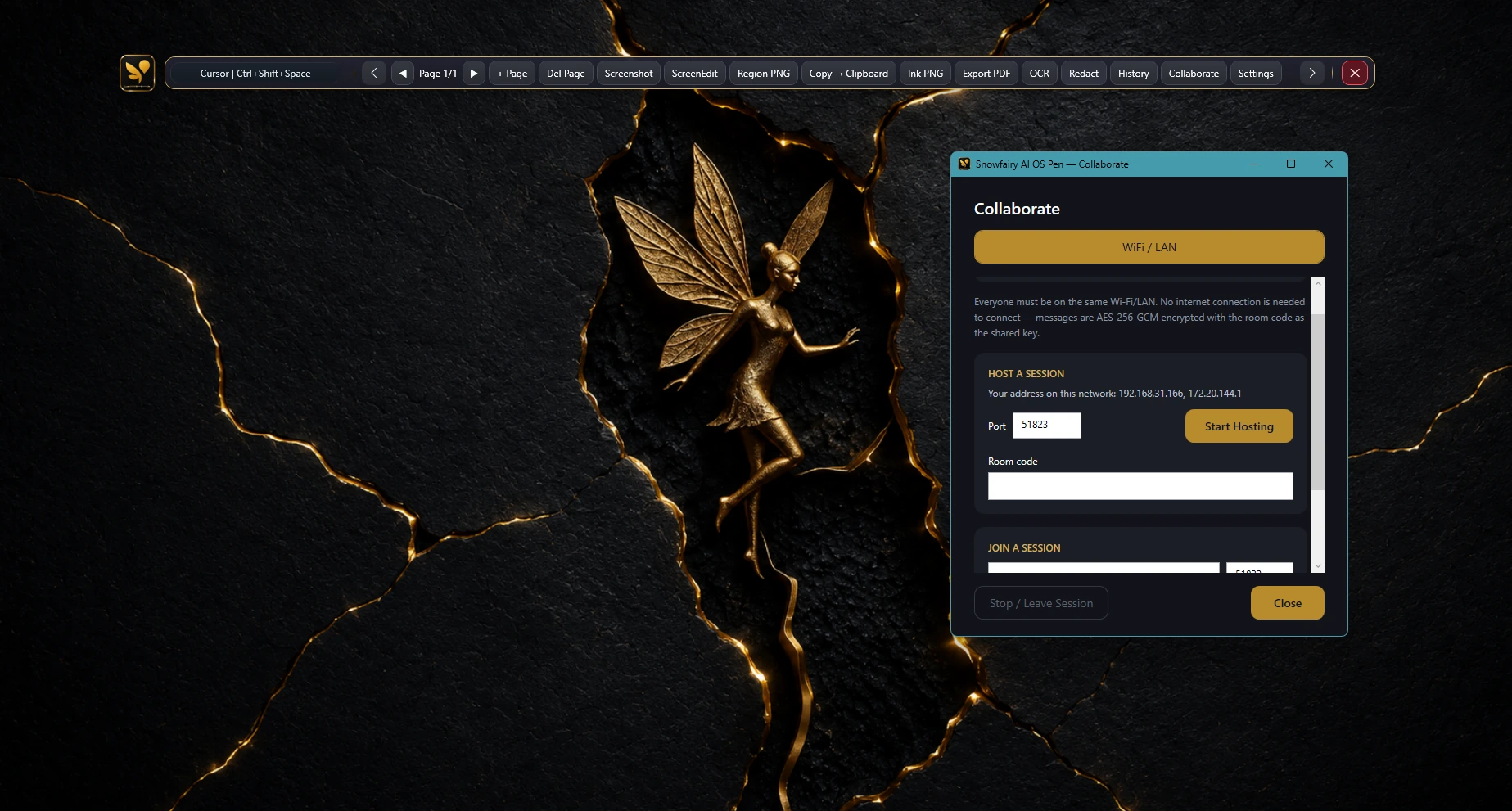
Product screenshot goes here โ€” drop in a real AI OS PEN screenshot or demo GIF
15+
Annotation & precision tools
1 min
Install to first draw
$34.99
Starting price, lifetime
0
Accounts required to try
What's inside

Built for teaching, presenting, and explaining

Every tool you'd otherwise buy across two or three separate apps, in one lightweight overlay.

Drawing & capture

Mark up anything, on any window

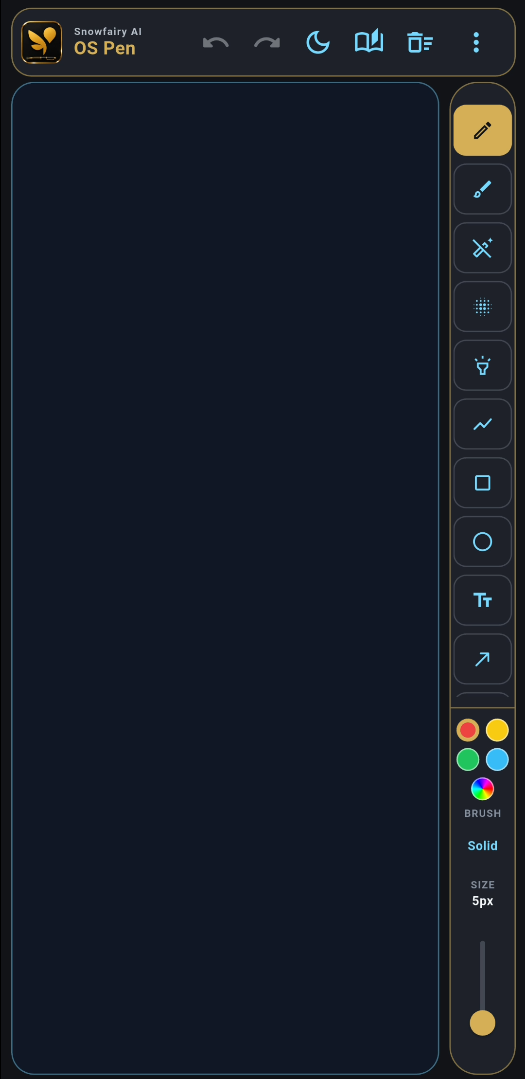
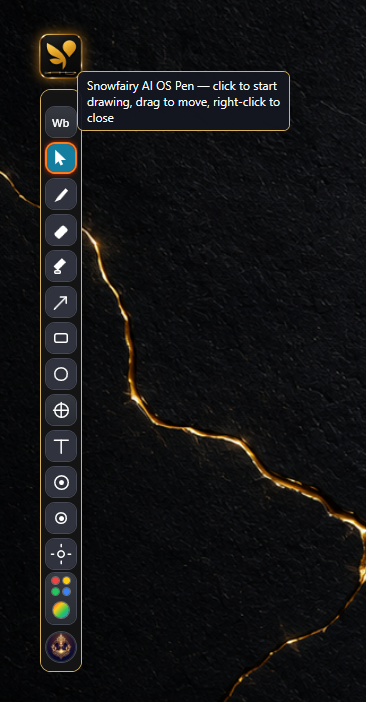
A floating toolbar that follows you across apps, browser tabs, and video calls โ€” pull it up in one click and start marking up whatever's on screen.

  • โœ“ Pen, highlighter, eraser, shapes, and text tools
  • โœ“ Instant screenshot with a built-in screen editor
  • โœ“ One-click PNG export straight to your clipboard
Toolbar over a live app window โ€” screenshot goes here
Precision & teaching tools

Built for accuracy, not just doodles

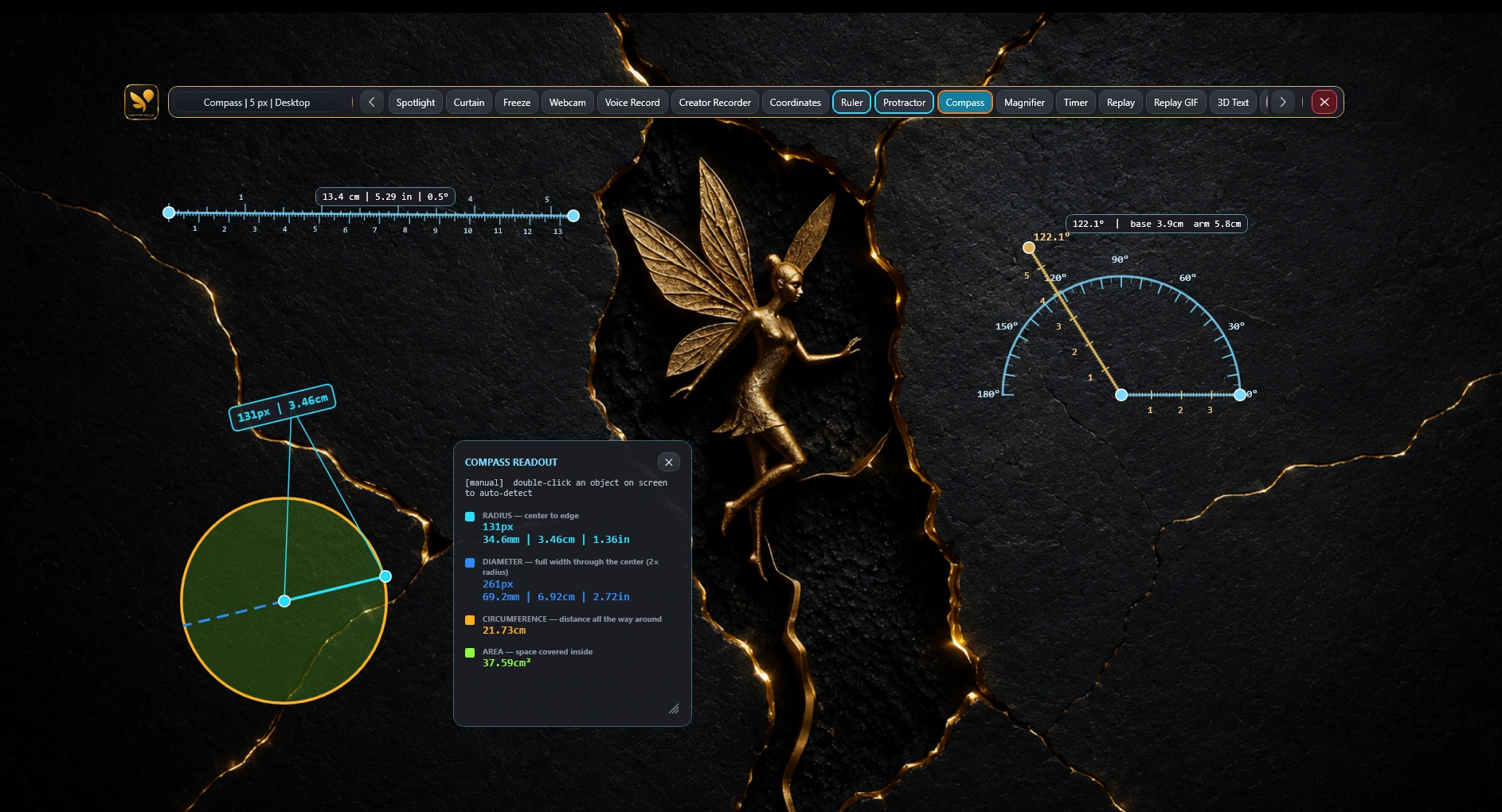
Ruler, protractor, compass, and live coordinates make this genuinely useful for classrooms, CAD walkthroughs, and technical demos โ€” not just quick markup.

  • โœ“ Ruler, protractor, and compass with snap-to-angle
  • โœ“ Live coordinate readout while you draw
  • โœ“ Magnifier for pixel-level detail work
Ruler + protractor in use โ€” screenshot goes here
Presenting

Direct your audience's attention

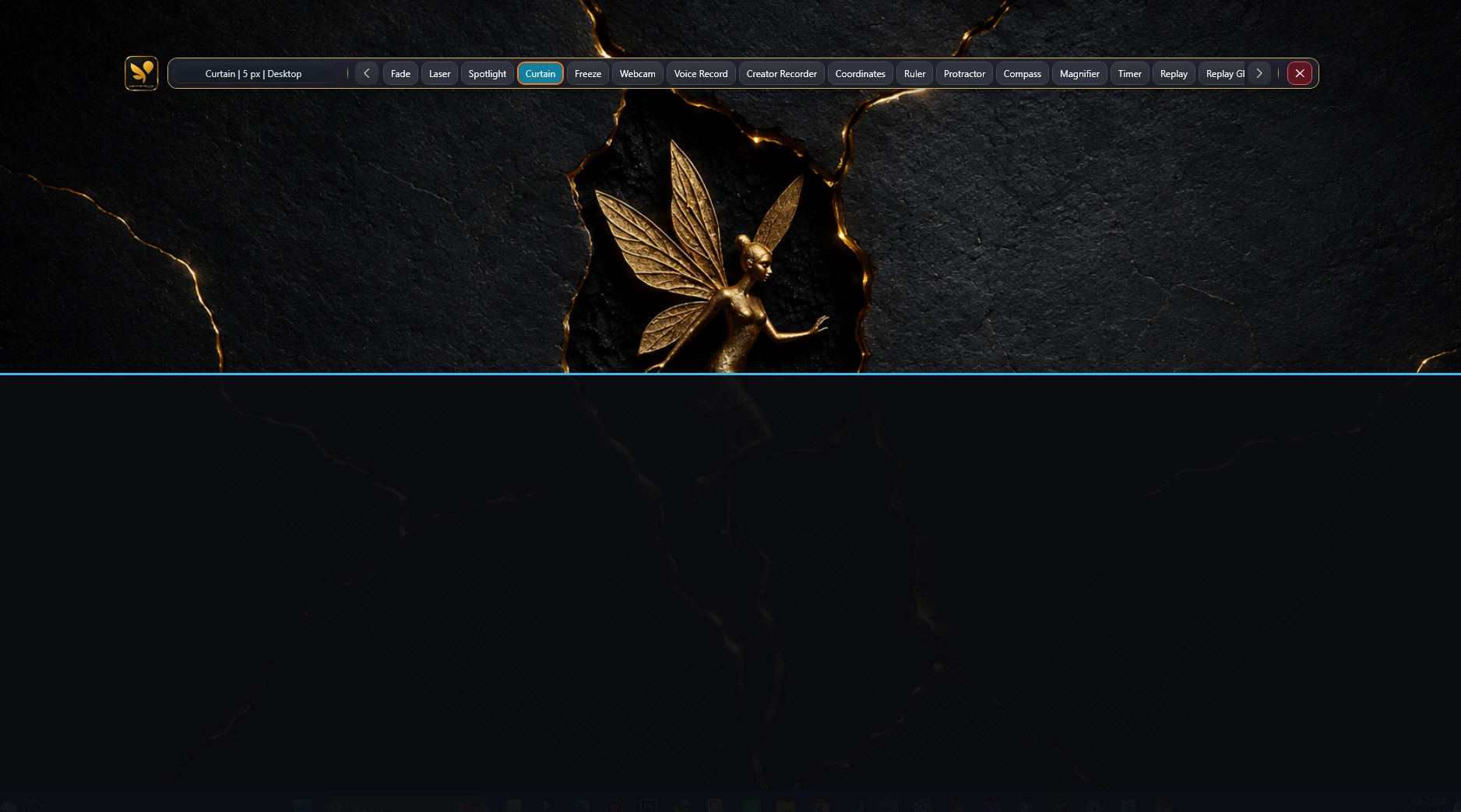
Spotlight and curtain tools hide distractions, a laser pointer keeps eyes on your cursor, and a timer keeps every session on schedule.

  • โœ“ Spotlight and curtain to focus attention
  • โœ“ Laser pointer with adjustable trail
  • โœ“ Session timer and step numbering
Spotlight tool in a live presentation โ€” screenshot goes here
Recording & export

Capture it, share it, review it later

Record a quick GIF, export a redacted PDF for compliance, or bring in a colleague for a live multi-user annotation session โ€” all without leaving the app.

  • โœ“ Replay and GIF recording of any session
  • โœ“ PDF export with redaction built in
  • โœ“ Live multi-user collaboration (Pro)
Session replay and PDF export โ€” screenshot goes here
๐Ÿ—‚๏ธ
Board & workspace
Custom backgrounds, grid mode, and a full whiteboard with session save & crash recovery.
๐Ÿ”’
Offline-first
No account required for the core app โ€” your work stays on your device.
๐Ÿ‘ฅ
Collaborate live
Run multi-user annotation sessions on Pro โ€” teach or review together in real time.
๐Ÿ’ณ
Own it or subscribe
Pay once for a lifetime license, or go yearly for a lower start. No lock-in tricks.
Who it's for

Built around how you already work

One toolset, four very different jobs.

๐ŸŽ“
Teachers & trainers
Ruler, protractor, and a real whiteboard make live lessons and technical explanations easier to follow.
๐Ÿ“Š
Presenters & sales teams
Spotlight, laser pointer, and a timer keep every demo focused and on schedule.
๐ŸŽฅ
Streamers & creators
GIF recording and a full annotation toolkit for tutorials, reactions, and walkthroughs.
๐Ÿ› ๏ธ
IT & support teams
Mark up a screen live to explain a fix, then export a redacted PDF for the ticket.
Getting started

From download to your first drawing in under a minute

1

Download

Grab the free trial โ€” no account or credit card needed to start.

2

Open a tool

The toolbar overlays whatever's on screen โ€” pick a pen, shape, or spotlight.

3

Start annotating

Draw, present, or record. Activate a license anytime to unlock Pro.

Privacy by design

Your screen stays yours

No account, no telemetry, nothing uploaded unless you choose to export it.

๐Ÿ”’

Offline-first

The core app works fully without an internet connection or an account.

๐Ÿšซ

No telemetry by default

Your annotations, screenshots, and sessions stay on your device.

๐Ÿ›๏ธ

Backed by SnowFairy AI Labs

Built by the same team behind SnowFairy AI IntelliRecover, using the same account and license infrastructure.

Licensing only ever verifies your key โ€” it never inspects what you draw or capture.
Why Snowfairy AI OS PEN

One tool instead of three

1

Everything in one overlay

Most annotation apps give you either drawing, or cursor tools, or screen recording โ€” rarely all three plus collaboration.

2

Built for precision, not just doodles

Ruler, protractor, compass, and coordinates make this genuinely useful for teaching and technical walkthroughs โ€” not just quick markup.

3

No account, no telemetry, no lock-in

Offline-first by design. Use it fully without ever creating an account.

At a glance
Precision tools (ruler/protractor)Rare elsewhere
GIF recording + PDF redactRare elsewhere
Live multi-user collaborationRare elsewhere
Lifetime option$129.99 one-time
Entry plan$34.99 lifetime
Simple pricing

Choose how you own it

Pay once, or pay yearly for a lower start. Every plan is a single-PC license.

Standard
$34.99
one-time ยท lifetime license ยท 1 PC
See details
Best value
Pro โ€” Lifetime
$129.99
one-time ยท lifetime license ยท 1 PC
See details
Pro โ€” Yearly
$59.99/yr
billed once a year ยท 1 PC
See details
Questions

Frequently asked

Does it work without an internet connection?

Yes โ€” the core annotation toolset is fully offline. Internet is only used for license activation, updates, and Pro collaboration sessions.

Is there a Mac or Linux version?

Not yet โ€” Snowfairy AI OS PEN is currently Windows-only (Windows 10 1809+ or Windows 11).

How big is the download?

Around 45 MB. Installation takes under a minute on most connections.

Can I upgrade from Standard to Pro later?

Yes โ€” contact support@snowfairy.ai and we'll credit your Standard purchase toward a Pro upgrade.

Start annotating in under a minute

Free trial available โ€” no account, no credit card.

โฌ‡ Download free trial Compare plans โ†’