✍️
Mobile lessons and explanations
Underline a term, point to a diagram, and add a quick visual cue while working from a phone or tablet.
Draw, highlight, capture a quick screenshot, and mark up PDFs directly on a supported Android phone or tablet—whether you are explaining, demonstrating, studying, or taking visual notes.
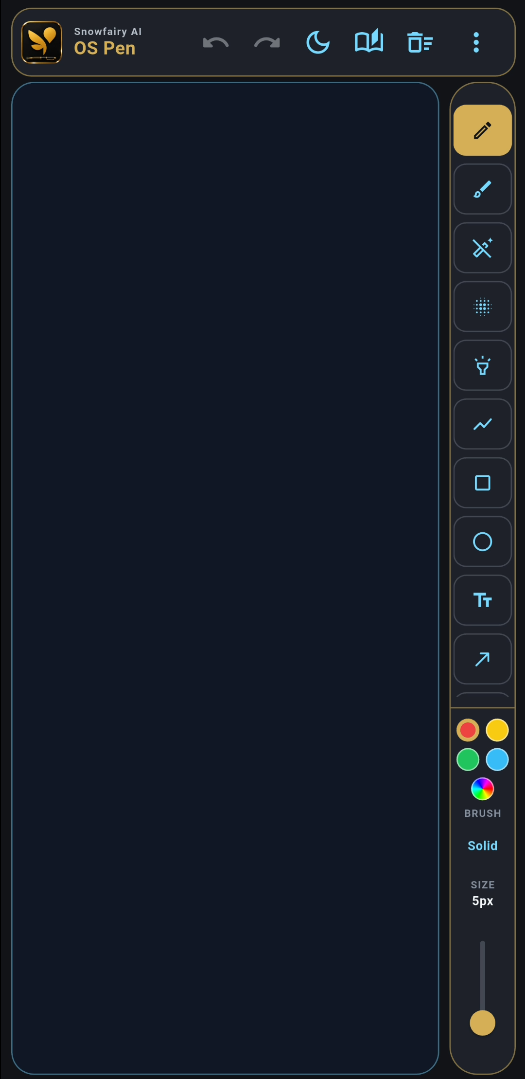
Touch-optimized annotation on an Android phone or tablet.
Use touch gestures and on-screen tools to make an idea clearer without moving your work to a desktop first.
Underline a term, point to a diagram, and add a quick visual cue while working from a phone or tablet.
Mark the part of an app or mobile workflow you are discussing, then capture the annotated screen for follow-up.
Use PDF markup and screenshots to review material, communicate feedback, and keep annotated references.
The Android beta focuses on touch-friendly drawing, fast capture, document markup, and supported local collaboration.
Annotate and highlight with controls designed for a phone or tablet touchscreen.
Keep capture access close at hand while you work through an explanation or demonstration.
Add visual notes and emphasis to PDF material from a supported Android device.
Use the Android beta on Android 7.0 or newer with at least 3 GB RAM and 250 MB free storage.
Mobile or Tablet Pro can join a session hosted by Windows Premium on the same local network.
Internet is used for activation, updates, and occasional verification; core use follows the applicable licence policy.
Use the official download page so you get the current beta and its latest setup information.
Use Android 7.0 or newer with 3 GB RAM minimum, 250 MB available storage, and internet for activation.
Open the official download page and follow the current Android beta installation guidance.
Open the touch-friendly tools, add marks or highlights, and save a quick screenshot or PDF markup when needed.
The Android beta supports Android 7.0 (Nougat) or newer. It requires at least 3 GB RAM and 250 MB free storage; 4 GB RAM or more is recommended.
Yes. OS Pen provides touch-optimized tools for drawing, highlighting, taking quick screenshots, and marking up PDFs on supported Android phones and tablets.
Internet is needed for licence or trial activation, updates, and occasional licence verification. Google Play Services is required when using Google sign-in.
An Android Mobile or Tablet Pro device can join a local Wi-Fi collaboration session hosted by Windows Premium on the same network, but the Android device cannot host the session.
Use the official OS Pen download page to get the current Android beta and review the latest installation information.
Get the current Android beta from the official download page, then choose a plan only when you need additional features.